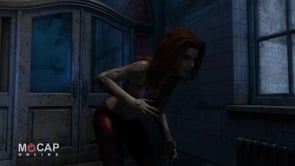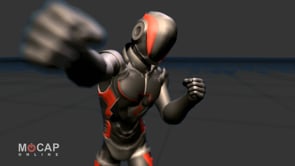
Professional Motion Capture Animation Packs
Studio-quality mocap for Unreal Engine, Unity, Blender, and more. Over 2,500 animations across 30+ themed packs.


Three paths, one consistent skeleton. Pick yours and we will route you to the right packs.
Production-ready animation packs optimized for real-time game engines, with clean root motion and blend-friendly transitions.
Browse Game-Ready PacksHigh-fidelity motion capture in FBX and BVH for cinematic pipelines, archviz, and custom character work.
Explore the Animation LibraryConsistent skeleton and naming across every pack. Bulk discounts, commercial licensing, and permanent download access.
Browse Pro Animation PacksEach pack contains a curated set of professionally captured motion capture animations organized by theme. Choose your animation category, select your preferred file format, and download instantly. Every pack includes multiple variations and transitions designed to work together in your game engine or 3D application.
Packs are available in Starter, Standard, and Pro tiers — scale your animation library as your project grows. All animations within a pack share a common skeleton and naming convention, making it easy to set up animation state machines and blend trees in your engine of choice. Root motion data is included for all locomotion clips, and transition-friendly start and end poses ensure clean blending between different animation states.



What Is Motion Capture Animation?
Motion capture (mocap) is the process of recording real human movement and translating it into 3D character animation data. Professional mocap studios use optical or inertial tracking systems to capture an actor’s performance with sub-millimeter precision.
At MoCap Online, we capture every animation in our professional studio with trained motion actors. The raw data is then cleaned, edited, and optimized for real-time game engines and CG pipelines. The result is natural, realistic character movement that would take weeks to hand-animate — delivered as instant-download packs ready for your project.
Whether you’re building an indie game, a AAA title, an architectural walkthrough, or a film previs, our animation library gives you studio-quality mocap at a fraction of custom capture costs.
Our motion capture process begins with professional actors performing movements in a calibrated optical tracking studio. Dozens of infrared cameras track reflective markers placed on the actor’s body at key joint positions, recording movement data at 120 frames per second or higher. This raw tracking data is processed through specialized software that reconstructs the full 3D skeleton movement, resolving marker occlusions and cleaning up noise. Our animation team then hand-edits each clip to ensure clean loop points, proper root motion, and consistent quality across every animation in a pack.
Pre-made motion capture animation packs offer significant advantages over both hand-animation and custom capture sessions. A single custom mocap shoot can cost thousands of dollars in studio rental, actor fees, and post-processing time. Hand-animating realistic human movement requires experienced animators working days or weeks per clip. MoCap Online packs deliver the same professional quality at a fraction of the cost, with instant access to hundreds of animations organized by theme and use case.
Our animations use a standardized skeleton hierarchy that makes retargeting to your character straightforward in all major game engines. Every pack is designed with game developers in mind — animations include proper root motion data, clean loop frames, and transition-friendly poses that work seamlessly in animation state machines and blend trees.
Who Uses MoCap Online?
Professional motion capture animations for every pipeline
Every pack ships in every format. Pick your primary engine to see featured packs.
Showing packs compatible with Unreal Engine
Download free sample animations and test them in your pipeline. No credit card required — just pick your format and start animating. Our demo packs include representative clips from our most popular categories so you can evaluate animation quality and retargeting behavior before purchasing.
Don’t see what you’re looking for? Submit an animation request and help shape our upcoming packs. We also offer custom motion capture services through our parent company Motus Digital for studios needing bespoke animation work — from shoot planning to final delivery.

Free FBX Animations: Where to Find Them and How to Use Them If you've been hunting for free FBX animations...

If you've ever tried to research mocap suit price, you've probably found that the number varies wildly — from a...

What Is Face Capture — and Why Does It Matter for Game Dev? Face capture is the process of recording...

What Is Motion Tracking? A Complete Guide for Animators and Developers Motion tracking is the process of recording and interpreting...
Every MoCap Online pack ships in multiple professional formats so you can start working without conversion hassles.
FBX is the industry standard interchange format for 3D animation, supported by virtually every game engine and digital content creation tool. Our FBX files contain skeletal animation data with a standardized bone hierarchy, making retargeting to your character rig straightforward. FBX files from MoCap Online work directly in Autodesk Maya, Blender, Cinema 4D, MotionBuilder, and dozens of other applications. The FBX format preserves animation curves, root motion data, and bone transforms at the original capture frame rate.
For Unreal Engine users, we provide native animation assets that import directly into your project with zero configuration. These packages include properly configured Animation Sequences with root motion, blend spaces where applicable, and metadata tags for animation state machine integration. Our Unreal Engine packs are tested against UE4 and UE5 to ensure compatibility with the latest engine features including Control Rig, IK Retargeter, and the Animation Blueprint system.
Unity developers receive animation assets configured with the correct import settings for Unity’s Humanoid animation system, including avatar mapping and muscle definitions. You can apply animations directly to any character using Unity’s Humanoid rig without manual retargeting setup. Our Unity packs support both the legacy Animation system and the Animator Controller workflow, and are compatible with Unity’s Animation Rigging package for runtime IK adjustments.
Reallusion iClone users receive motion files in iClone’s native format, ready to apply to any iClone character or avatar. BIP files drop into pipelines that use that skeleton. Blender users can import our FBX files directly using Blender’s built-in FBX importer, with bone orientations compatible with Blender’s armature systems. We provide documentation for optimal import settings in each application.
Our library spans over thirty themed packs covering every major category of human movement.
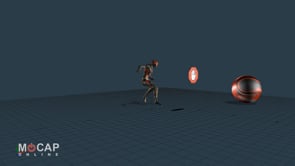
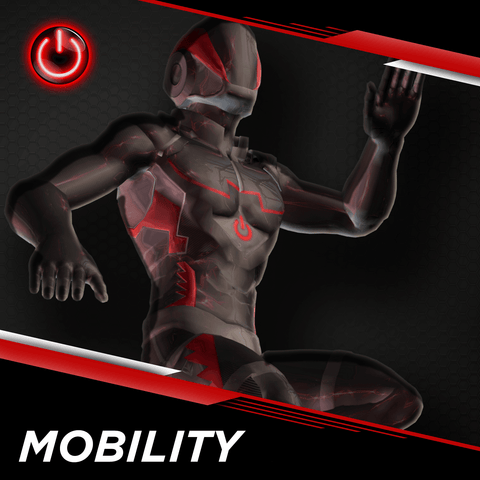
Mobility animation packs cover the foundation of character locomotion including walking, jogging, running, sprinting, and turning at various speeds and styles. These packs include starts, stops, direction changes, and transitions that blend seamlessly in game engine locomotion systems. Our mobility animations feature natural weight shifts, arm swing, and foot placement derived directly from professional motion actors. Available in casual, athletic, injured, and cautious movement styles to match different character types and game scenarios.
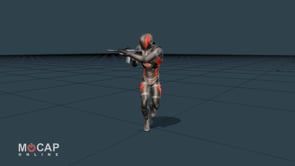
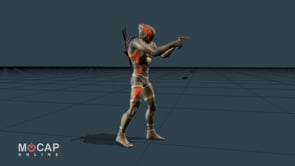
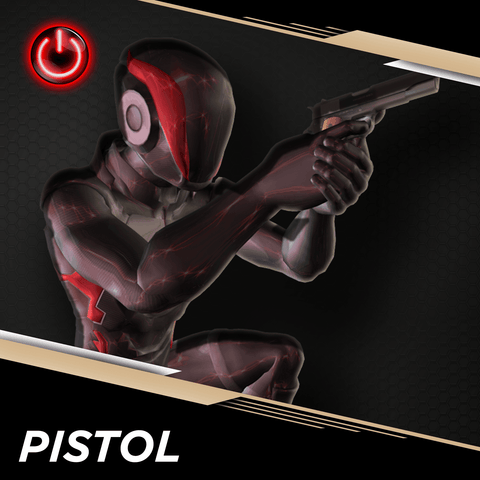
Combat animation packs span multiple fighting disciplines and weapon types. Our rifle shooter packs include tactical movement, aiming, firing, reloading, weapon transitions, and cover-based actions used in first-person and third-person shooter games. Pistol shooter packs provide handgun-specific combat animations including one-handed and two-handed grips, quick-draw sequences, and pistol whip melee attacks. Ninja and martial arts packs feature acrobatic combat moves, sword attacks, staff techniques, and defensive maneuvers. Punching and melee packs deliver boxing combinations, street fighting moves, and close-quarters combat animations suitable for fighting games and action RPGs.
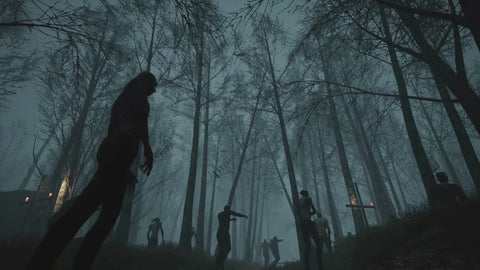
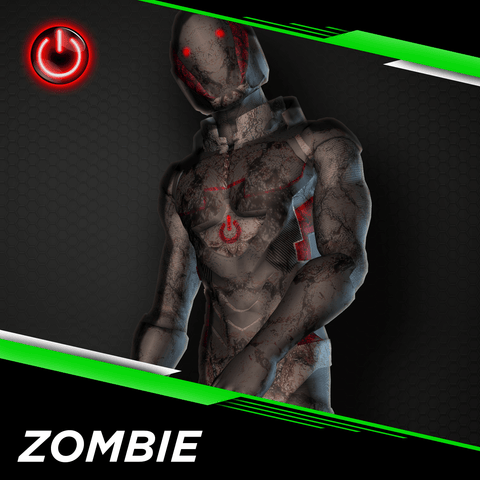
Zombie and horror animation packs provide the unsettling, off-balance movement patterns needed for undead and horror game characters. These include multiple zombie walk cycles, lunging attacks, feeding animations, stagger reactions, and transformation sequences. Our death animation packs offer a comprehensive library of character death reactions covering gunshot impacts from multiple angles, explosion knockbacks, melee hit reactions, falling deaths, and dramatic collapse sequences. These animations are essential for creating convincing combat feedback and enemy variety in action games.
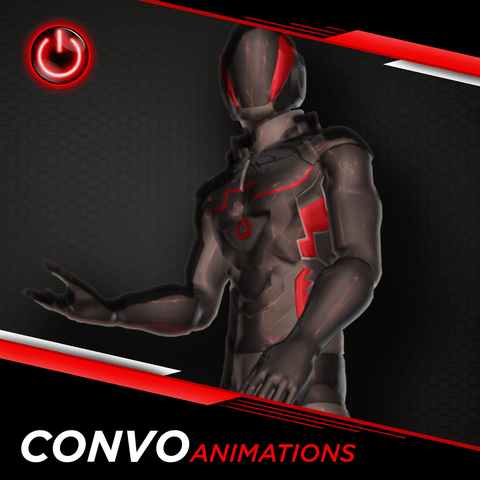
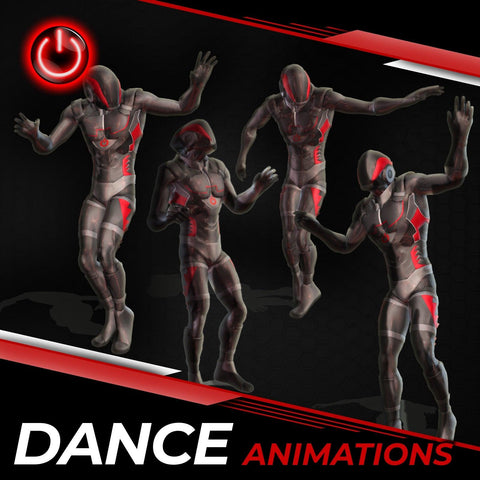
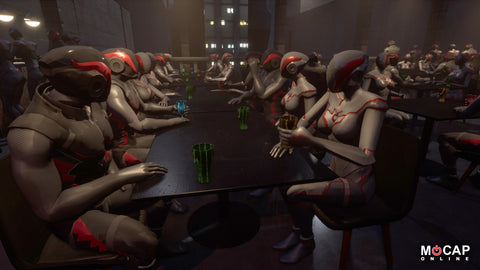
Life and social animation packs capture the everyday human activities needed to populate realistic game worlds and architectural visualizations. Conversation packs include talking gestures, listening poses, laughter, and multi-person interaction sequences. Office and desk packs provide seated typing, phone calls, standing presentations, and workplace movement. Bar and social packs feature drinking, toasting, bar stool interactions, and socializing gestures. Park and leisure packs offer walking, bench sitting, phone checking, and relaxed outdoor activities. Dance packs provide various dance styles for party scenes, celebrations, and entertainment venues. Architectural visualization packs are specifically designed for placing realistic human characters in building walkthroughs, urban environments, and real estate presentations with natural, everyday movement at a relaxed pace.
Every MoCap Online pack is available in these professional formats:
At checkout you select the format optimized for your pipeline. Need multiple formats? Each is a separate product listing, so you only pay for what you use.
Yes. Through our parent studio Motus Digital, we offer bespoke motion capture shoots for studios and teams that need animations beyond our pack library.
Custom shoots are performed in our professional optical capture studio with experienced motion actors and our full post-processing pipeline — shoot planning, actor coordination, data cleanup, and format delivery. Contact us to discuss requirements and timeline.
Yes. Our animations work in VR and AR projects built on Unreal Engine and Unity.
The standard skeletal hierarchies are compatible with VR avatar systems and full-body tracking setups. For upper-body-only or IK-driven lower bodies, clips can be masked and blended using each engine's animation layer systems. The high capture frame rate keeps fast motion looking convincing at the close viewing distances typical in immersive experiences.
Depends on your format:
Format-specific import guides are on our support pages.
Yes. All MoCap Online animations use a standardized humanoid skeleton designed for easy retargeting:
A consistent humanoid skeleton with industry-standard naming conventions. Every pack uses the same hierarchy, so animations from different packs combine cleanly in a single project.
Features:
Detailed skeleton documentation and retargeting guides are on our support pages.
Animation counts vary by pack tier:
Each product page lists the exact animation count and includes a full clip list, so you know what you are purchasing before you buy.
Same capture pipeline, same quality — different scope:
All tiers use the same professional capture and editing pipeline — animation quality is identical across every tier.
Absolutely. All MoCap Online packs use the same standardized skeleton hierarchy and bone naming conventions, so animations from any pack combine cleanly in a single project.
You can build blend trees and state machines that transition between clips from Mobility, Combat, Life, and any other pack. Inter-pack compatibility is a design principle — idle poses, transition clips, and start/end frames are calibrated to blend smoothly across themes.
Yes. All locomotion and movement animations include clean, calibrated root motion that drives character translation and rotation from the animation itself, not procedural code. This is essential for physically grounded character movement where feet match the ground surface accurately.
Idle, gesture, and in-place animations use zero root motion so they stay stationary as expected.
Captured: 120 frames per second in our optical motion capture studio.
Delivered: 30 fps for most formats — the industry standard for real-time game engines. Smooth playback, manageable file sizes.
The high capture rate preserves full detail on fast movements like combat strikes and acrobatic actions, even after downsampling. FBX and BVH exports can be configured at other frame rates during export.
Sizes vary by format and animation count:
All downloads are ZIP archives. Your download links stay active in your account permanently — re-download whenever you need, no time limits.
Every pack includes a Standard License that covers both commercial and non-commercial use. You can ship our animations in:
No additional royalties. For enterprise-scale deployments or redistribution inside template products, an extended Commercial License is available. Full license text on our licensing page.
Yes. Curated bundles group related packs at a discount compared to individual purchases:
Bundles are the most efficient way to build a comprehensive animation library from day one. Current bundle pricing is on our bundles collection page.
Three ways to evaluate a pack before you buy:
MoCap Online is the digital storefront of Motus Digital, a professional motion capture studio founded in 2007. For nearly two decades, our team has specialized in capturing high-fidelity human movement data for the entertainment, gaming, and simulation industries. Our optical motion capture studio uses a multi-camera infrared tracking system with millimeter-level precision, operated by experienced technicians who have worked on projects ranging from indie games to feature film productions and military training simulations.
The MoCap Online marketplace was created to make professional-quality motion capture accessible to independent developers, small studios, and solo creators who need studio-grade character animation without the overhead of booking a custom capture session. Every animation in our library starts as a live performance by a professional motion actor, captured at high frame rates, cleaned and edited by our animation team, and delivered in formats optimized for modern real-time game engines and offline rendering pipelines.
Our animation library has grown to over 2,500 individual animation clips organized into more than thirty themed packs spanning locomotion, combat, horror, social interactions, architectural visualization, and many more categories. We continuously expand our catalog based on customer feedback and animation request submissions from our community of game developers, animators, and 3D artists around the world.
Our production pipeline ensures consistent quality across every pack — from the initial capture session through skeleton calibration, data cleaning, clip editing, format conversion, and final quality assurance testing in multiple game engines. This standardized workflow means you can combine animations from different packs with confidence that they share the same skeleton hierarchy, quality standards, and technical specifications. Whether you are building your first game prototype or populating a large-scale production with hundreds of animated characters, MoCap Online provides the professional animation foundation your project needs.
Whether you are a first-time buyer or a returning customer expanding your animation library, getting started with MoCap Online is straightforward. Follow these steps to find the right animations, download them in your preferred format, and integrate them into your project within minutes.
Browse our animation library by category to find the movement types your project needs. If you are building a third-person shooter, start with our Rifle or Pistol Shooter packs for weapon handling and tactical movement. For open-world or RPG projects, our Mobility packs provide essential walking, running, and traversal animations. Story-driven games benefit from our Life, Conversation, and Social packs for natural character interactions. Architectural visualization projects should explore our dedicated ArchViz and Crowd packs designed specifically for populating building walkthroughs and urban environments with realistic human activity.
Each animation pack is available in multiple file formats tailored to specific game engines and 3D applications. Select the format that matches your pipeline — FBX for general-purpose compatibility, BVH for motion data workflows, or engine-specific formats for Unreal Engine, Unity, iClone, and 3ds Max. Next, choose your tier level based on how many animation clips you need. Starter packs provide core animations at the most affordable price, Standard packs add variety and transitions, and Pro packs deliver the complete animation set with every variation and combination we captured for that theme.
After completing your purchase, download your animation pack instantly from your account. All downloads are delivered as compressed ZIP archives that extract to organized folders with clear file naming. Import the animation files into your game engine or 3D application using that software’s standard import process. Our animations are pre-configured for optimal import settings in each supported format, so you can start applying them to your characters right away with minimal setup. Detailed import guides for each supported engine and application are available on our documentation pages.
Apply our animations to your character using your engine’s retargeting system. In Unreal Engine, set up the IK Retargeter or use the Animation Retargeting tools to map our skeleton to your character’s rig. In Unity, our animations work automatically with any character configured for the Humanoid avatar type. For DCC applications like Maya, MotionBuilder, or Blender, use the built-in retargeting tools or HumanIK to transfer our animations to your custom rig. Once retargeted, build animation blueprints, blend trees, and state machines that combine clips from multiple packs into a complete character animation system. Our consistent skeleton and naming conventions across all packs ensure that every animation blends and transitions cleanly with every other animation in our library.