
MoCap Online - FAQs
Halloween Sale questions
Quick answers for this week's sale, which runs through Halloween, Oct 31.
What's in the Halloween Bundle?
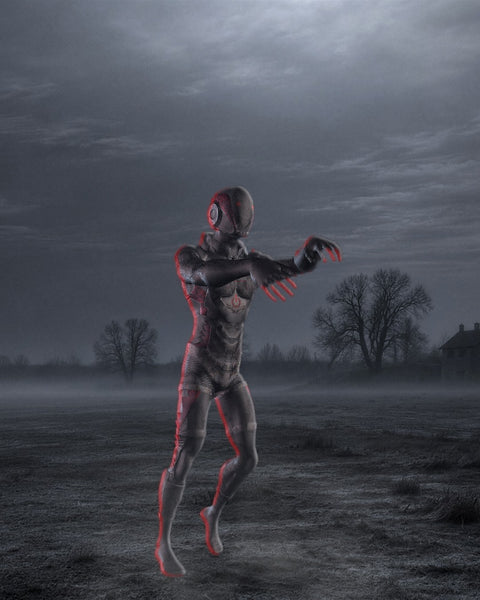
The Scared, Death and Zombie PRO packs together for $69.99, with Mobility Basic added as a bonus.
Choose one format when you buy: FBX, BIP, Unreal, Unity, Blender or iClone. All four packs come in the format you pick.
How do I get my files?
Right after checkout we email your order confirmation. It has a Download button for your files.
Can't see it? Check your spam or promotions folder, or search your inbox for "MoCap Online". If it still isn't there, email MoCap@MotusDigital.com with your order number and we'll sort it out.
When does the sale end?
Halloween pricing runs through Oct 31 at 11:59 PM Pacific.
Can I get a refund?
Our packs are digital downloads, so all sales are final. If you're not sure a pack will work in your software, ask us before you buy and we'll help you choose. See our refund policy.
To find answers to your Motion Capture questions
START HERE -> MoCap Help Desk
Who IS MoCap Online?
MoCap Online offers 3D Character Animations for Game Development and 3D Production. The human motions were captured at Motus Digital and solved to a standard "MotusMan.FBX", 3D Character. The site contains a mixture of looped game moves and through-composed animations for CG Production.
What is a "MoCap Pack"?
A "MoCap Pack" is a set of .FBX animations that in combination allow a 3D character to have a full range of movement in a virtual world. A typical MoCap Pack will include: Standing, Walking, Jogging, Running; with Starts, Stops and Turns in all 4 directions. Each animation has been carefully edited and pose-matched to create seamless loops and transitions to the other animations in the pack.
How do I use a .FBX file?
FBX files can be used in most 3D software packages and game engines. It opens natively in Autodesk software such as: Motionbuilder, Maya, 3DS Max. FBX files will also work with most 3D Game Engines such as: Unity3D, Unreal, CryTek, an others. Check out theTechnical Section of our Help Center for more specific help.
How do I apply MoCap to my 3D character?
Solving and Retargeting refer to applying bipedal movement from one biped rig to another. "Solving" is when you apply the MoCap Data to a rig for the first time. "Retargeting" is transferring and translating the animation from one Character to another. Learn more about Solving vs. Retargeting from our Technical Director, Crispin Broadhurst.